


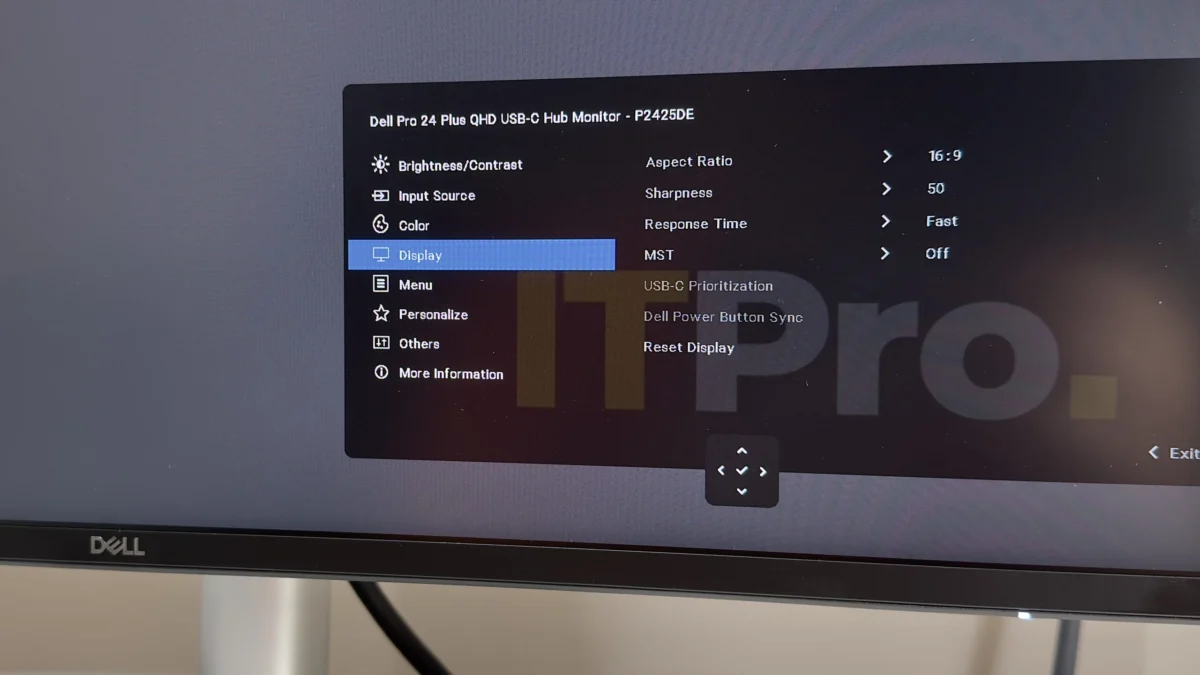
For professionals and home users alike who find themselves battling for desk real estate, the notion of accommodating a larger 27-inch or 32-inch monitor can often feel like an insurmountable challenge. However, manufacturers are increasingly recognizing the demand for compact yet highly functional display solutions. Dell’s Pro 24 Plus P2425DE emerges as a compelling answer, offering a meticulously balanced middle ground that prioritizes usability within a smaller footprint. This 24-inch monitor deftly combines a high-quality IPS panel, sharp QHD resolution, extensive connectivity, and robust USB-C power delivery, making it a formidable contender for business environments and productive home offices where space is a premium.
At its core, the Dell P2425DE is designed to deliver a premium visual experience without demanding an outsized presence on your desk. Its 23.8-inch screen, while smaller than some contemporary offerings, is engineered to maximize visual clarity and productivity. The integration of a Quad High Definition (QHD) resolution, translating to 2560 x 1440 pixels, on this screen size results in an impressive pixel density of approximately 123 pixels per inch (ppi). This density is notably higher than that of a 27-inch QHD display (around 109 ppi) and closely rivals the sharpness of a 32-inch 4K display (approximately 138 ppi). The practical implication is that text appears exceptionally crisp, and images are rendered with a level of detail that rivals much larger and more expensive monitors, making it an ideal choice for tasks that demand precision and clarity.
Design and Ergonomics: Smart Aesthetics Meet Practicality
The aesthetic of the Dell P2425DE aligns with Dell’s contemporary Pro series, characterized by a sophisticated blend of matte silver plastics and understated charcoal grey accents. This design philosophy results in a monitor that is both professional and unobtrusive, capable of integrating seamlessly into various office décors, including open-plan environments where visibility from multiple angles is a consideration.
The reduced physical dimensions of the 24-inch panel translate directly into a smaller desk footprint, a critical advantage for users with limited workspace. Despite its compact size, the P2425DE does not compromise on ergonomic flexibility. It features a fully adjustable stand that offers a substantial 150mm of height adjustment, allowing users to position the screen at their ideal viewing level. Further enhancing comfort and versatility are generous tilt and swivel capabilities, alongside a smooth 90-degree pivot in either direction. The reviewer notes that the portrait orientation, in particular, proves exceptionally useful on smaller monitors like the P2425DE, making it an excellent secondary display for document editing or coding tasks where vertical scrolling is frequent.
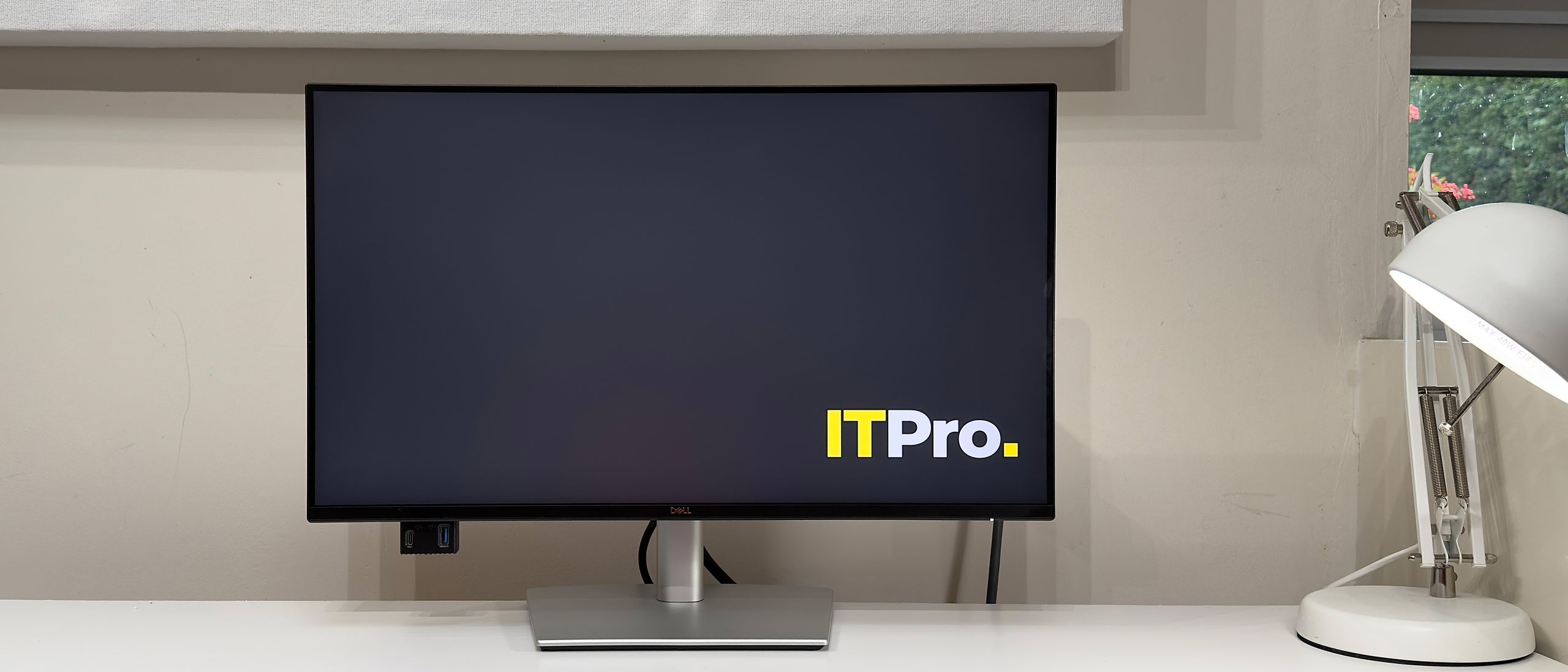
However, the design is not without minor drawbacks. The reviewer points to a slight tendency for the monitor to wobble, attributing it to a degree of flex in the stand’s head. While this may not be a significant issue for users who primarily engage with their keyboard via touch typing, more vigorous keyboard use could lead to a noticeable, albeit subtle, wobble. Additionally, the rear panel’s construction is described as feeling somewhat plasticky and hollow, a minor quibble that is unlikely to affect the day-to-day user experience unless the monitor is subjected to frequent physical manipulation.
Connectivity and Productivity Features: A Hub for Modern Workflows
Where the Dell P2425DE truly shines is in its comprehensive connectivity suite, which is designed to streamline modern workflows, particularly for users of ultraportable laptops. While it omits the KVM switch functionality found in Dell’s larger and more expensive models, it compensates with a robust selection of essential ports. The inclusion of full-sized HDMI and DisplayPort inputs ensures compatibility with a wide range of sources.
The standout feature is undoubtedly the USB-C port. This single cable solution not only supports DisplayPort Alternate Mode for video output but also provides an impressive 90 watts of power delivery. This capability allows users to charge their connected laptop directly from the monitor, significantly reducing cable clutter and freeing up valuable desk space. This feature is particularly beneficial for users of slimline laptops that often have limited power brick wattage or fewer USB-C ports.
Further enhancing its utility as a central workstation hub, the P2425DE incorporates a Gigabit Ethernet (GbE) port. This allows devices connected to the monitor via USB to gain network access, offering a stable and fast wired internet connection, which is often superior to Wi-Fi for demanding tasks. The monitor also boasts a versatile USB hub, featuring two 5Gbps USB-A ports on the rear for peripherals and an additional USB-A port and a USB-C port conveniently located on the underside of the bottom left bezel. This accessible placement makes it easy to connect and disconnect frequently used devices like flash drives or webcams.
Cable management is addressed with a thoughtful, albeit basic, design element: a small cutout in the stand allows cables to be neatly routed downwards and behind the desk, contributing to a cleaner and more organized workspace.
On-Screen Display (OSD) and User Interface
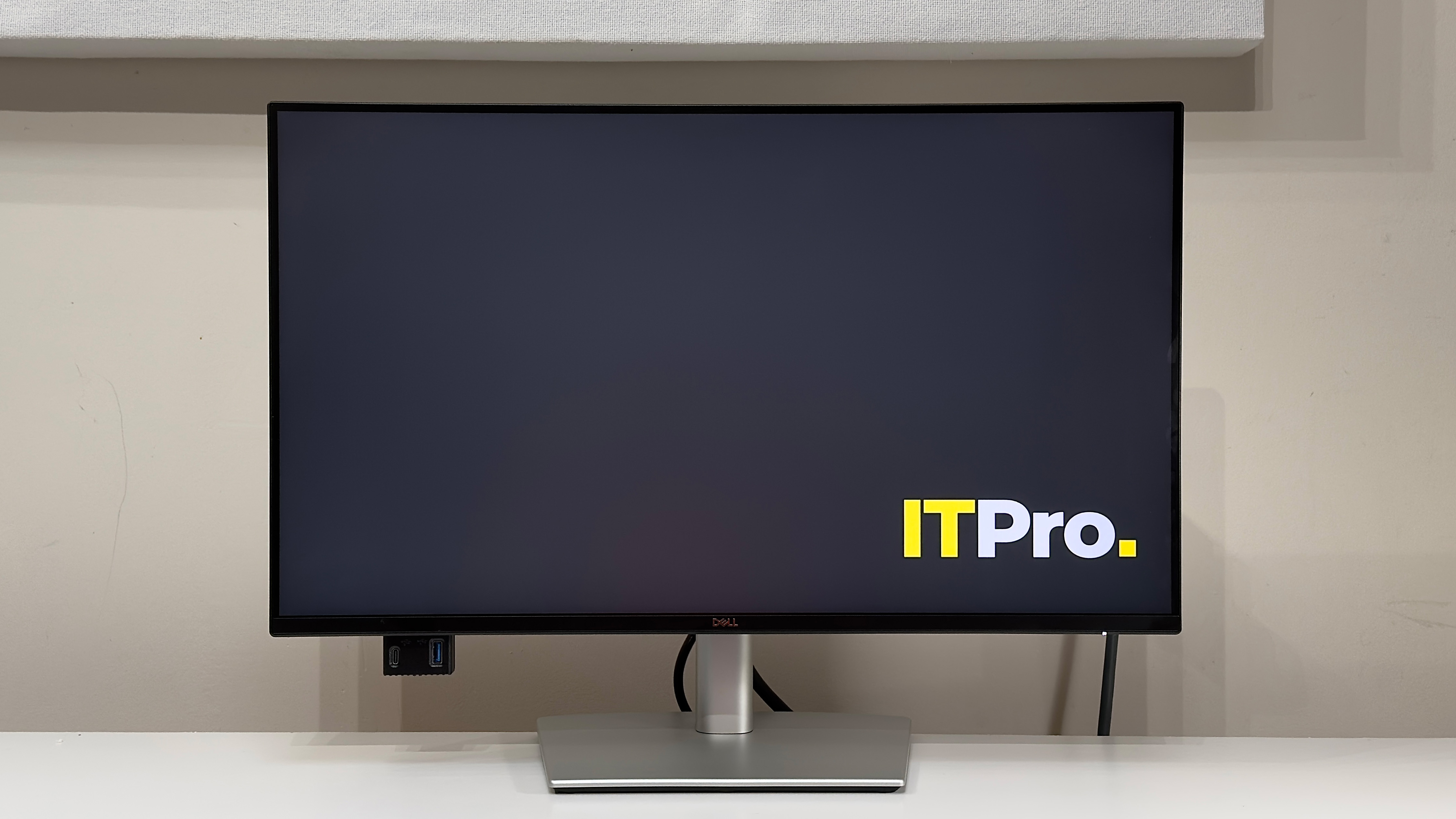
The on-screen display (OSD) interface of the P2425DE follows the familiar and well-regarded design language of recent Dell models. Its sensible layout and extensive adjustability options make it easy for users to fine-tune their display settings. Navigation is primarily managed by a four-way clickable joystick located on the rear of the monitor, which is generally intuitive and easy to operate.
However, the OSD experience is not without its minor imperfections. The text within the menus is described as being somewhat small and blocky, which can occasionally make it challenging to read. The absence of a text size adjustment feature is noted as a missed opportunity. Furthermore, the reviewer observed a slight lag in the joystick’s responsiveness, sometimes requiring multiple presses to register a command. While this might be specific to the review unit and not indicative of a widespread issue across all P2425DE models, it is a point worth considering.
Display Quality: Sharpness, Color Accuracy, and Refresh Rate
The visual performance of the Dell P2425DE is a key selling point, especially given its compact form factor. The QHD resolution on the 23.8-inch IPS panel delivers exceptional sharpness and clarity. Dell has equipped this monitor with specifications that promise excellent image quality for productivity-focused tasks. These include a quoted contrast ratio of 1500:1, a maximum brightness of 350 cd/m², and an impressive 99% sRGB color coverage. It’s important to note that the monitor does not feature HDR support or Adaptive-Sync technologies like FreeSync or G-Sync, as its primary focus is on professional applications rather than gaming.
In rigorous testing, the P2425DE largely lived up to its specifications. The "Standard" picture mode achieved a maximum brightness of 365 cd/m², a contrast ratio of 1509:1, and an sRGB coverage of 98%. These figures indicate strong performance for a monitor in its class.
Color accuracy is reported as good, with an average Delta E of 1.78. While not industry-leading, this value is well within acceptable limits for ensuring that most colors are rendered faithfully according to the sRGB standard. The panel does exhibit a slight limitation in reproducing the most saturated blues and cyans, leading to minor inaccuracies in these specific color tones. However, this nuance is unlikely to be noticeable to the average user during everyday use. The overall image produced is bright, natural-looking, and benefits from sufficient contrast, providing a pleasingly punchy visual output.
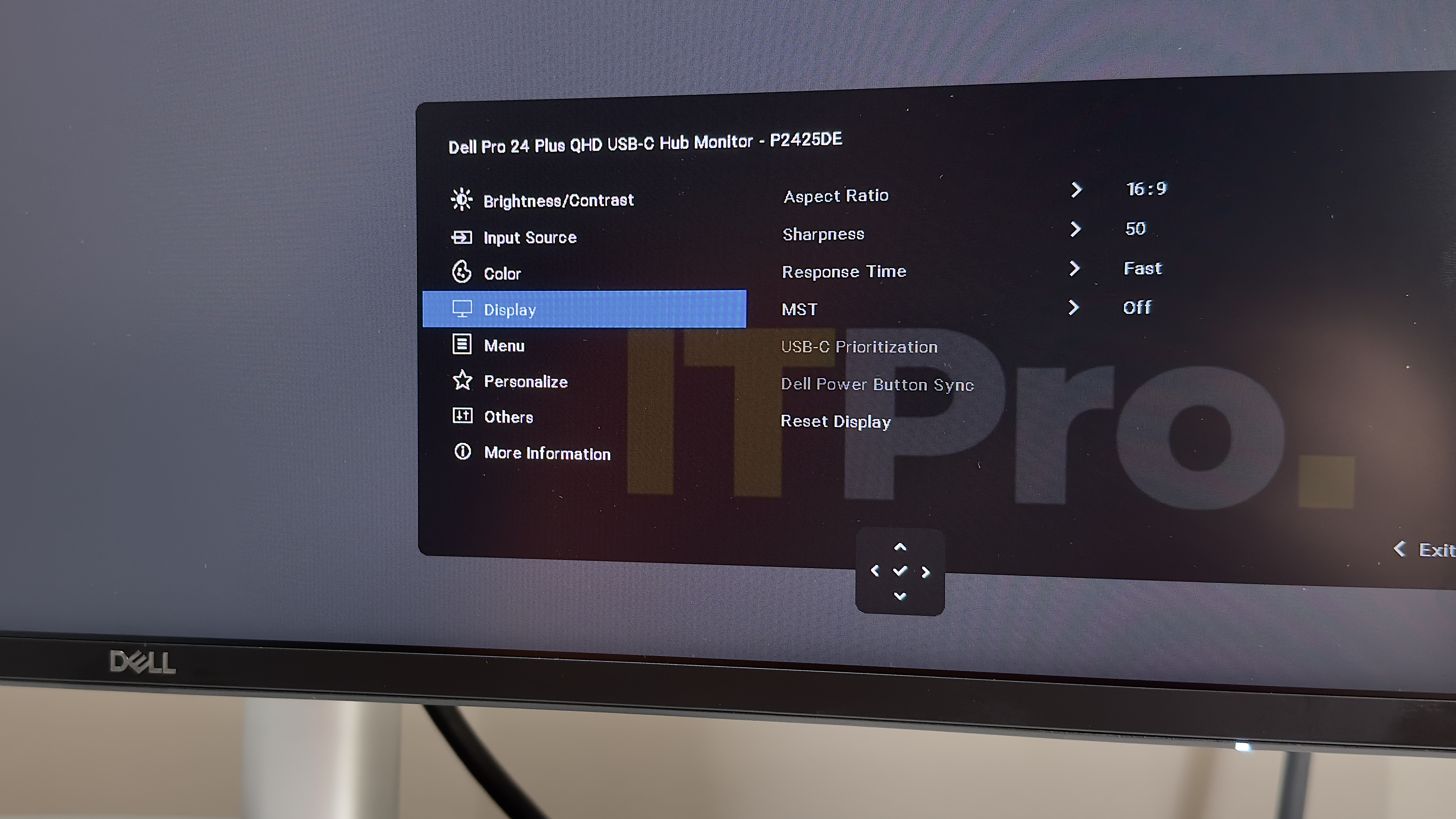
The monitor’s 100Hz refresh rate is a significant advantage over the standard 60Hz found on many business displays. This higher refresh rate contributes to smoother motion clarity, making moving objects appear sharper and reducing motion blur. When combined with the panel’s response time, which can be accelerated to a "Fast" setting, the visual experience is fluid and crisp. This makes the P2425DE not only suitable for office work but also capable of providing a noticeable improvement for casual gaming sessions, offering a more responsive and engaging experience compared to lower-refresh-rate monitors.
Even the backlighting, often a point of compromise on monitors in this price segment, is deemed acceptable. While there is a slight dimming of approximately 10% in the corners, this is generally not distracting and is only noticeable upon close inspection.
Value Proposition and Target Audience
The Dell Pro 24 Plus P2425DE is positioned as a highly valuable option for individuals and organizations seeking to maximize productivity within limited desk space. Priced at approximately £260 (though pricing can vary by region and retailer), it offers a compelling combination of features for its cost. The monitor delivers crisp, bright, and color-accurate visuals on a compact 23.8-inch QHD panel, complemented by extensive connectivity, including 90W USB-C power delivery and an Ethernet port.
Its primary appeal lies in its suitability for users who face constraints in desk space, budget, or preference for larger displays. It serves as an ideal companion for port-starved ultraportable laptops, providing a significant upgrade in visual real estate and peripheral connectivity without a substantial physical footprint. For businesses looking to equip their employees with efficient and ergonomic workstations, or for individuals setting up a home office in a smaller living space, the P2425DE presents itself as a dependable and capable solution.
Technical Specifications
- Display: 23.8-inch IPS panel
- Panel Resolution: 2560 x 1440 (QHD)
- Refresh Rate: 100 Hz
- Panel Response Time: 5ms (Fast mode)
- Adaptive Sync Support: No
- HDR Support: No
- Ports: HDMI 2.1 (x1), DisplayPort 1.4 (In) (x1), DisplayPort 1.4 (Out) (x1), USB-C (DisplayPort 1.4 Alt Mode, Data, 90W Power Delivery) (x1), RJ45 (Ethernet) (x1), USB 3.2 Gen 1 downstream (x4)
- Other Features: ComfortView Plus (TÜV 4-star), Flicker-free, Dell Display Manager, Daisy Chaining support, Security lock slot, KVM support (via USB-C)
- Stand Ergonomics: Height (150 mm), Tilt (-5° to +21°), Swivel (-45° to +45°), Pivot (-90° to +90°)
- Dimensions (with stand) (WDH): 538.7 x 181.5 x 496.6 mm
- Weight (with stand): 5.25 kg
The Dell Pro 24 Plus P2425DE represents a pragmatic and well-executed approach to monitor design for the modern workspace. It successfully balances form and function, offering a high-resolution, comfortable viewing experience in a compact package, making it a compelling choice for those prioritizing efficiency and desk space.










Comments (0)