
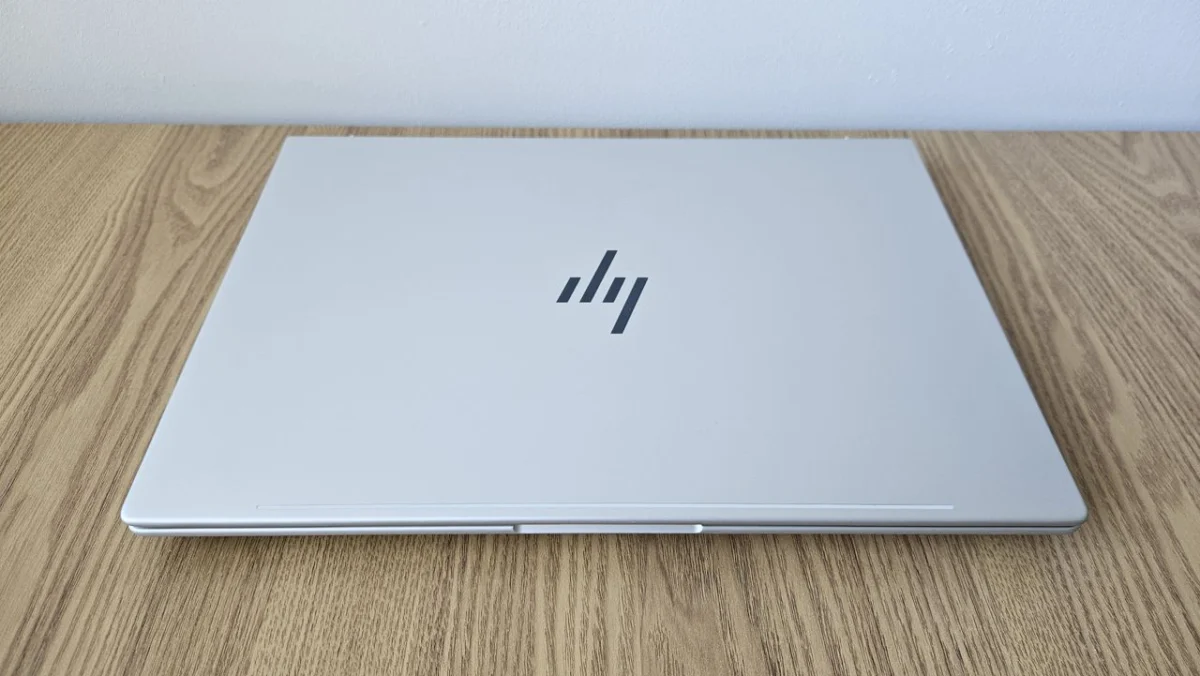
HP EliteBook 8 G1a 16: A Deep Dive into Enterprise Security and Performance Trade-offs
HP is positioning its new EliteBook 8 G1a 16 as a formidable contender in the premium business laptop market, emphasizing robust security features alongside high-end hardware. This 16-inch device aims to cater to enterprise users who prioritize stringent data protection and advanced technological capabilities. With a starting retail price of £2,277.50, the EliteBook 8 G1a 16 commands a premium, suggesting a commitment to delivering top-tier performance and a comprehensive user experience. The integration of an AMD chipset promises strong performance and battery life, further enhanced by AI capabilities for native workload processing. However, the true allure of this machine appears to lie in its layered security architecture, a critical consideration for businesses operating in an increasingly threat-filled digital landscape.
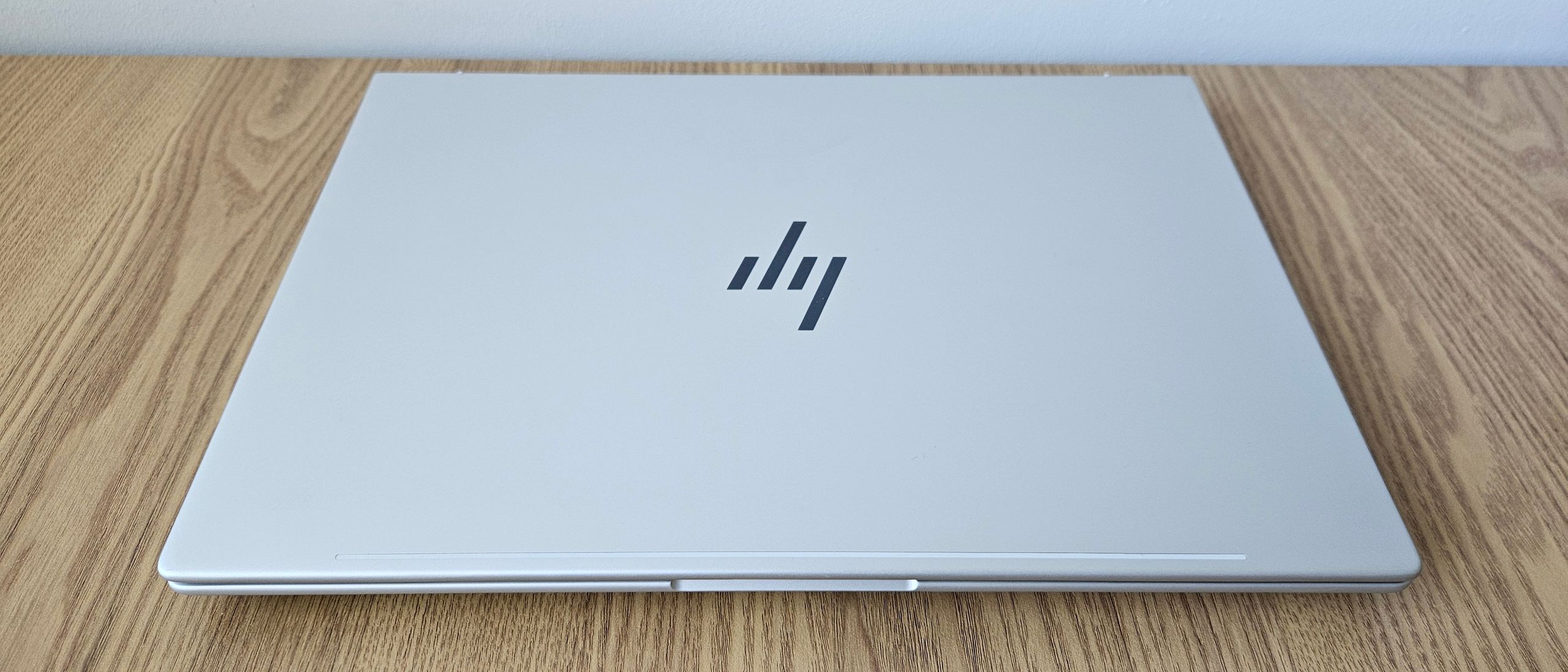
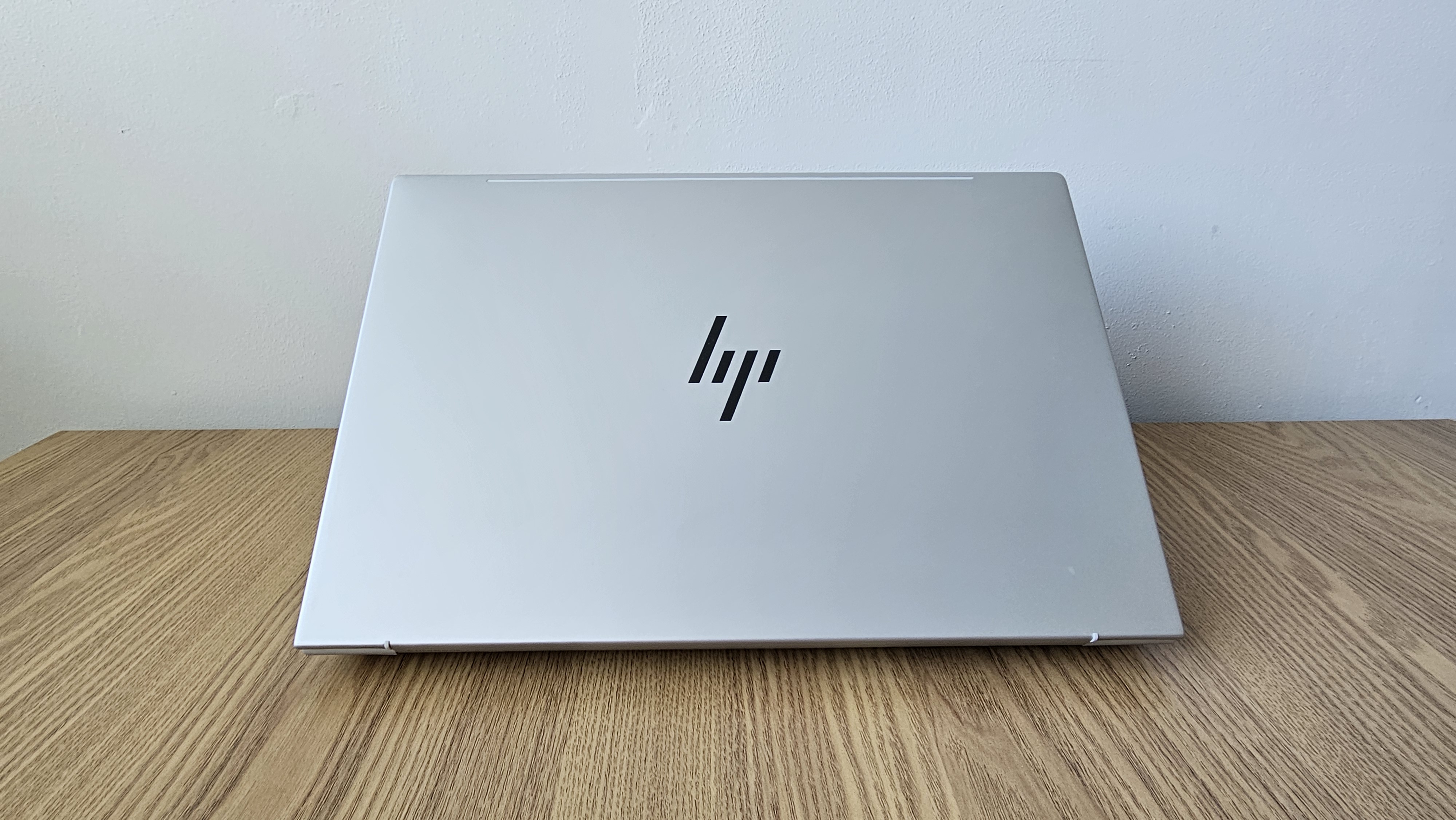
The EliteBook 8 G1a 16 distinguishes itself with a sleek and compact design, a significant achievement for a 16-inch laptop. Weighing just 1.69kg and measuring a mere 15.5mm in height, it offers exceptional portability, rivaling and even surpassing some of its 15-inch counterparts in sheer compactness. This makes it a compelling option for professionals who frequently travel or work away from a fixed desk. The chassis, constructed from a blend of aluminum and magnesium, feels both sturdy and premium, contributing to a sense of durability and sophistication. Its minimalist silver finish aligns with modern business aesthetics, ensuring it blends seamlessly into professional environments without being ostentatious.
Design and Display: A Tale of Two Halves
HP has evidently invested considerable effort into the EliteBook 8 G1a 16’s physical design. The lightweight yet robust chassis, combined with its slim profile, makes it one of the most portable 16-inch business laptops available. For context, the Dynabook Tecra A65-M, while also a 16-inch option, feels bulkier, and the Dell 16 Premium, though premium in its own right, is heavier and thicker. This emphasis on portability without compromising structural integrity is a significant design win for HP.
However, the display presents a less convincing aspect of the EliteBook 8 G1a 16’s design. The screen is slightly recessed, and the presence of plastic bezels, even if relatively narrow, detracts from the otherwise streamlined aesthetic. This design choice, coupled with the panel’s specifications, raises questions about the overall value proposition, especially considering the device’s premium price point.
The display itself is a 1,900 x 1,200 IPS panel, a resolution that provides adequate sharpness for most professional tasks. However, it is limited to a standard 60Hz refresh rate, which is less impressive than the higher refresh rates found in some competing devices. The pixel density of 140.45 pixels per inch (PPI) is functional but not outstanding. Brightness is another area where the EliteBook 8 G1a 16 falls short of expectations for a premium device. While it registers a peak luminescence of 319 nits, which is just above the critical 300-nit threshold, it lags behind the average 350-400 nits often seen in high-end laptops. This means the display might appear dimmer than desired in well-lit environments.
Despite these shortcomings, the display does offer commendable color accuracy. It boasts 99% sRGB coverage, 74.7% Adobe RGB coverage, and 81.4% DCI-P3 coverage. These figures are generally above the benchmark of 70% and 80% respectively, suggesting that for tasks requiring accurate color representation, the panel can perform adequately. The black level of 0.16cd/m² is also excellent for an IPS panel, resulting in a strong contrast ratio of 1,960:1. However, this positive is significantly undermined by a high maximum Delta-E value of 15.21. A Delta-E value below 6 is considered decent, and a score this high indicates a substantial propensity for color distortion, rendering the display unsuitable for professional visual work where color fidelity is paramount.
Performance and Battery Life: A Disconnect in Expectations
The HP EliteBook 8 G1a 16 is powered by an AMD Ryzen AI 7 PRO 350 processor, an 8-core CPU that is designed to leverage AI capabilities with its integrated NPU offering 50 TOPS (Trillions of Operations Per Second). The review unit was further equipped with 64GB of DDR5 RAM and a 1TB SSD, specifications that, on paper, suggest a powerhouse of a machine. However, real-world benchmarking results reveal a significant disconnect between these specifications and the expected performance at its price point.
In the Geekbench 6 test, the EliteBook 8 G1a 16 achieved a single-threaded score of 1,639 and a multi-core score of 9,659. These results are notably below average for current-generation laptops. Industry analysts and reviewers typically expect single-threaded performance to exceed 2,000, and multi-core scores to surpass 10,000 significantly for a device in this price bracket. For comparison, the same AMD Ryzen AI 7 PRO 350 processor in the Asus ExpertBook P3 delivered higher scores of 2,659 and 11,004, while the Intel Core Ultra 7 255H in the Dell 16 Premium achieved an impressive 2,803 and 16,016 respectively. This disparity suggests that the EliteBook 8 G1a 16 may not be the optimal choice for users demanding maximum processing power for demanding applications.
The graphics performance, while not exceptional, is more competitive. The AMD Radeon 860M graphics card achieved an OpenCL score of 20,855, which is sufficient for basic to mid-level graphics-intensive workloads. However, it slightly underperforms compared to Intel’s integrated graphics solutions and even the same AMD Radeon 860M chip found in the HP ZBook 8 G1ak 14, which scored 22,153.
A bright spot in the hardware performance is the inclusion of a fast SSD. The 1TB SSD in the EliteBook 8 G1a 16 boasts read speeds of 7,041MB/s and write speeds of 5,841MB/s, comfortably exceeding the average speeds for consumer and business-grade SSDs. This ensures rapid boot times, quick application loading, and efficient file transfers.
Where the EliteBook 8 G1a 16 truly shines is in its battery life. Despite its powerful components, the chipset’s efficiency contributes to an impressive battery endurance of 14 hours and 29 minutes. This is a substantial achievement for a 16-inch laptop, as many devices in this class struggle to surpass 12 hours. While the HP ZBook Power G11 offers even longer battery life, exceeding 17 hours, the EliteBook 8 G1a 16’s longevity is more than adequate for a full workday on a single charge, a critical factor for mobile professionals.
Advanced Features: Security and Connectivity at the Forefront
The HP EliteBook 8 G1a 16 is packed with features designed to appeal to the modern enterprise user, with a strong emphasis on security and connectivity. The full-sized keyboard offers a firm and satisfying typing experience, characterized by deep key travel and a distinct tactile click. While generally positive, the placement of dedicated Page Up and Page Down keys above the arrow keys could lead to accidental presses for some users. The inclusion of a dedicated calculator shortcut key is a peculiar choice, with many users likely preferring a configurable hotkey for greater utility. The touchpad is responsive and offers good force feedback, though a slight lack of friction might impact precision for some users.
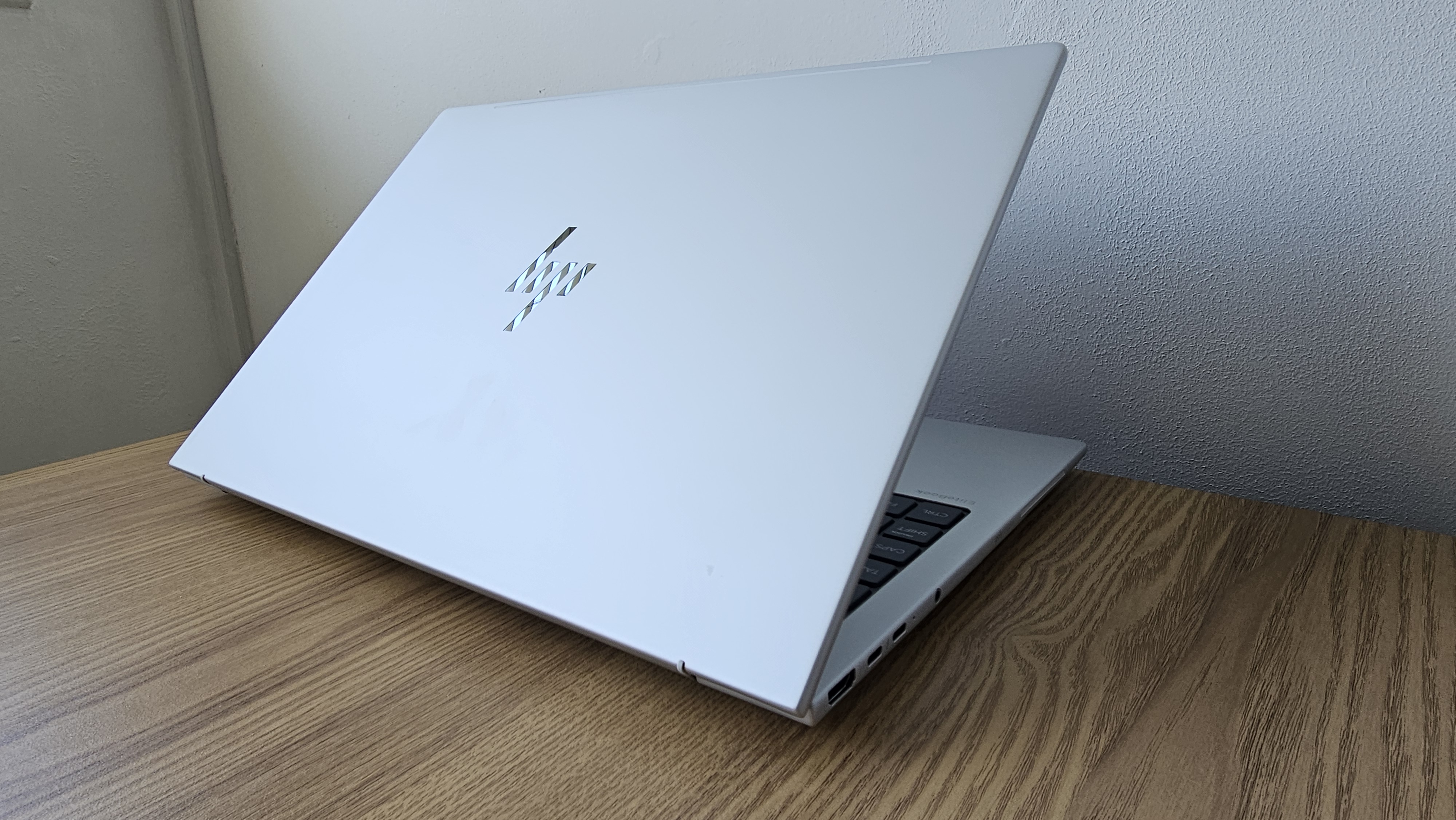
Connectivity is robust, featuring a modern array of ports. The left side houses two USB-C ports with Thunderbolt 4 (40Gbps), an HDMI 2.1 port, and a 3.5mm audio jack. The right side includes an additional USB-C port (10Gbps), a USB-A port with power delivery (5Gbps), and a security lock slot. The inclusion of Wi-Fi 7 and Bluetooth 5.4 ensures future-proofing and seamless wireless connectivity. The only notable omission is an SD card reader, which might be a drawback for users who frequently transfer media from cameras or other devices.
The standout feature of the EliteBook 8 G1a 16 is its comprehensive suite of security measures. The integrated display privacy filter is a significant asset, effectively preventing "shoulder surfing" by restricting viewing angles. While this naturally limits the display’s overall viewing cone, the trade-off for enhanced data security is often considered worthwhile for professionals handling sensitive information. The device also comes with the HP Wolf Security suite, including a one-year subscription and features like HP Sure Start, Sure Run, Sure Recover, Sure Click, and Sure Admin. These technologies provide multi-layered protection against malware, unauthorized access, and data loss, bolstering the device’s appeal for security-conscious organizations.
Leveraging its 50 TOPS NPU, the EliteBook 8 G1a 16 integrates AI-powered tools. The Poly Camera Pro, compatible with the 5MP IR AI camera, enhances video conferencing by improving background blur and focus. A color tuning feature intelligently adjusts the image based on ambient lighting conditions. Security is further augmented by facial recognition and a fingerprint scanner integrated into the power button, providing convenient yet secure authentication methods.
Value Proposition: A Premium Price for Targeted Benefits
The HP EliteBook 8 G1a 16 presents a compelling, albeit nuanced, value proposition. Its strengths lie in its exceptional build quality, superior portability for a 16-inch device, and outstanding battery life. The comprehensive security features are a major draw for enterprises and professionals who handle sensitive data or operate in high-risk environments. These attributes make it an ideal candidate for deployment in corporate settings where data protection and mobility are paramount.
However, the device’s hardware performance, particularly its CPU capabilities, falls short of expectations for its premium price tag. The display, while offering good color accuracy, is hampered by a lack of brightness and a significant color distortion issue, rendering it unsuitable for critical visual work. This creates a dichotomy: a device built for high-stakes professional environments but with hardware limitations that may not fully support the most demanding workflows.
The pricing of the EliteBook 8 G1a 16 is a critical factor in its recommendation. The configuration with 64GB of RAM, as tested, is considered overpriced given the performance benchmarks. However, HP often offers configurations with 32GB of RAM at a more competitive price point, sometimes discounted to around £1,600. At this lower price, the EliteBook 8 G1a 16 becomes a much more attractive proposition for enterprise deployment, offering a strong balance of security, portability, and adequate performance for many business tasks. Ultimately, the decision to purchase hinges on the specific needs and budget of the end-user, with the security features being the undeniable primary selling point.
HP EliteBook 8 G1a 16 Specifications:
| Feature | Specification |
|---|---|
| Processor | AMD Ryzen AI 7 PRO 350 (8 cores) |
| RAM | 64 GB DDR5 (configurable, 32GB often available) |
| Graphics | AMD Radeon 860M Graphics |
| NPU | Integrated (50 TOPS) |
| Storage | 1TB SSD |
| Display | 16-inch IPS HDR, 1,900 x 1,200 resolution, 60Hz refresh rate, 140.45 PPI, 319 nits peak brightness |
| Audio Jack | 3.5mm |
| Connectivity | Wi-Fi 7, Bluetooth 5.4 |
| Ports | 2x USB-C (Thunderbolt 4, 40Gbps), 1x USB-C (10 Gbps), 1x USB-A (5Gbps, power delivery), 1x HDMI 2.1, 1x 3.5mm audio jack, Security Lock Slot |
| Operating System | Windows 11 Pro |
| Dimensions | 359 x 250 x 15.5mm (14.1 x 9.84 x 0.61 inches) |
| Weight | 1.69kg (3.73 lbs) |
| Security | HP Wolf Security suite, HP Sure Start, Sure Run, Sure Recover, Sure Click, Sure Admin, Privacy Display Filter, Facial Recognition, Fingerprint Scanner |
Related posts:




Related Posts

Liverpool FC Leverages Wasabi’s Cloud Storage to Supercharge Digital Engagement and On-Pitch Success

The Hidden Cost of Outdated Technology: Employee Experience and Retention Under Threat